AI tools fail to recognize similar color tones
In Interior Designing Firm, we have received the input image, see below:
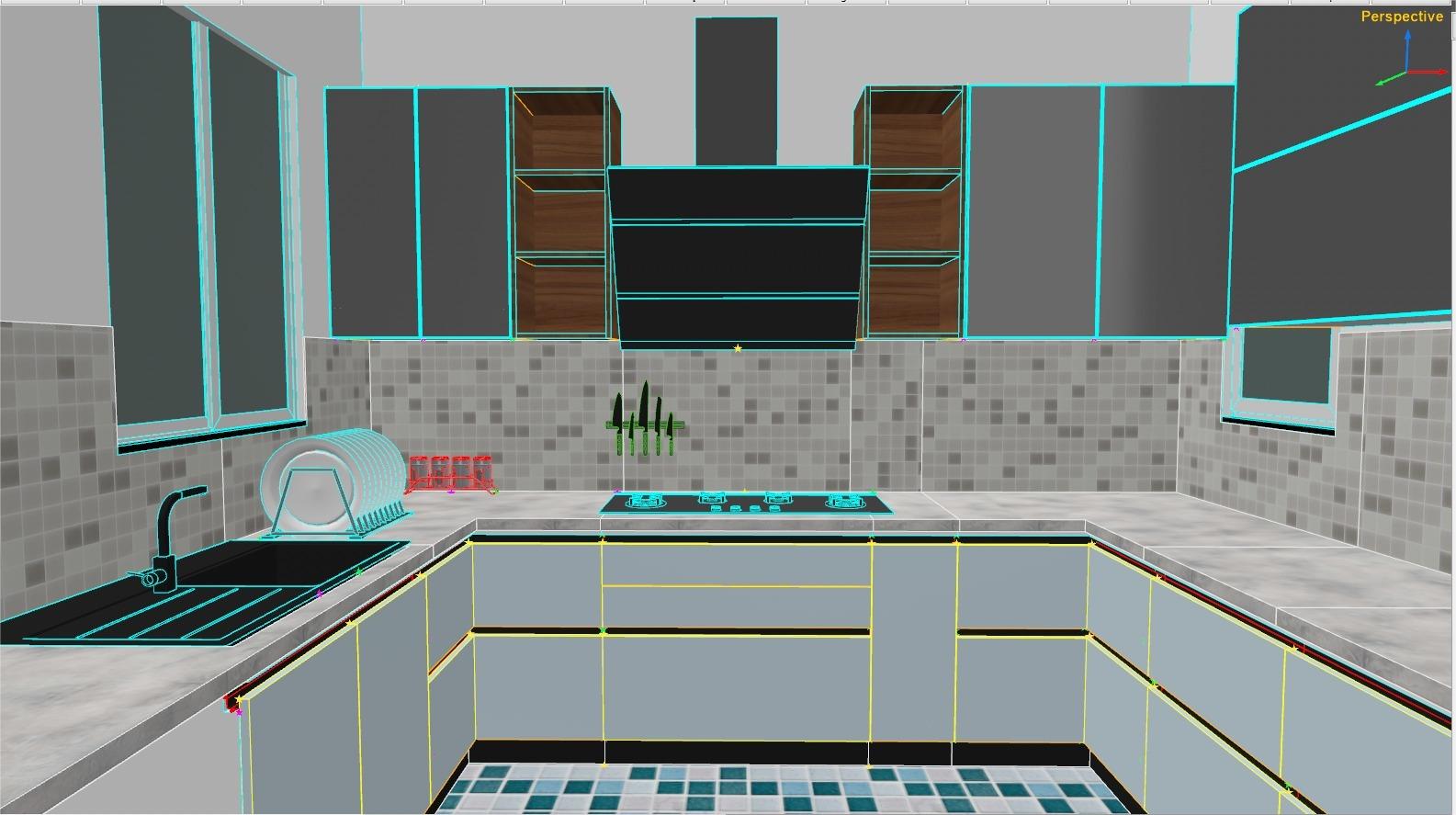
Input Image (From Client)
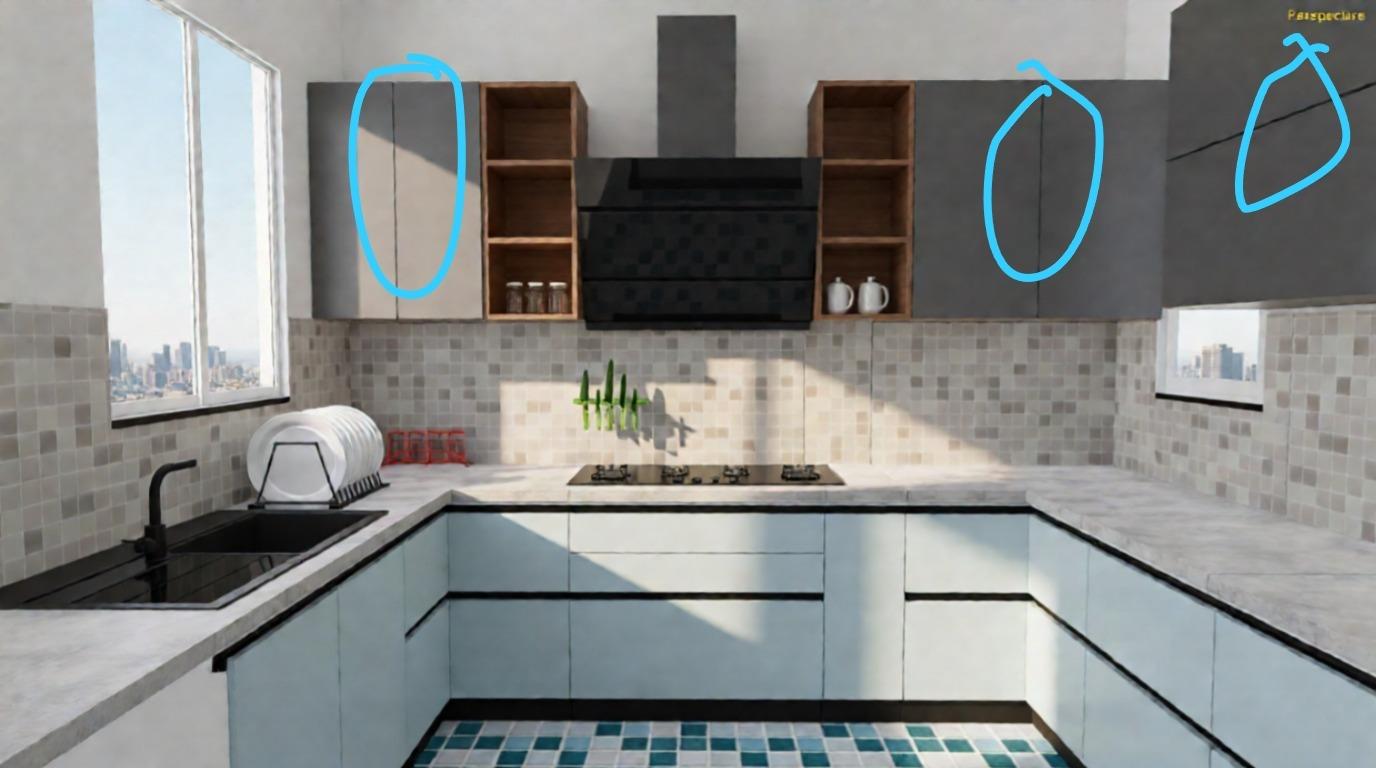
Client Generated Output
Client Complaint:
The shelf box doors were supposed to be made of glass, but they were delivered in wood.
Our Solution Using Interior Designing Firm – Magic Edit
With the Magic Edit feature in Interior Designing Firm, interior designers can instantly modify any material or object simply by typing a prompt.
For example, you can type:
- “Add an air conditioner on the wall,” or
- “Remove this old TV and replace it with a flat-screen TV.”
The AI will automatically update only the specified element while keeping the rest of the design unchanged.
As a result, the system updated the design accordingly, changing only the shelf doors to glass.
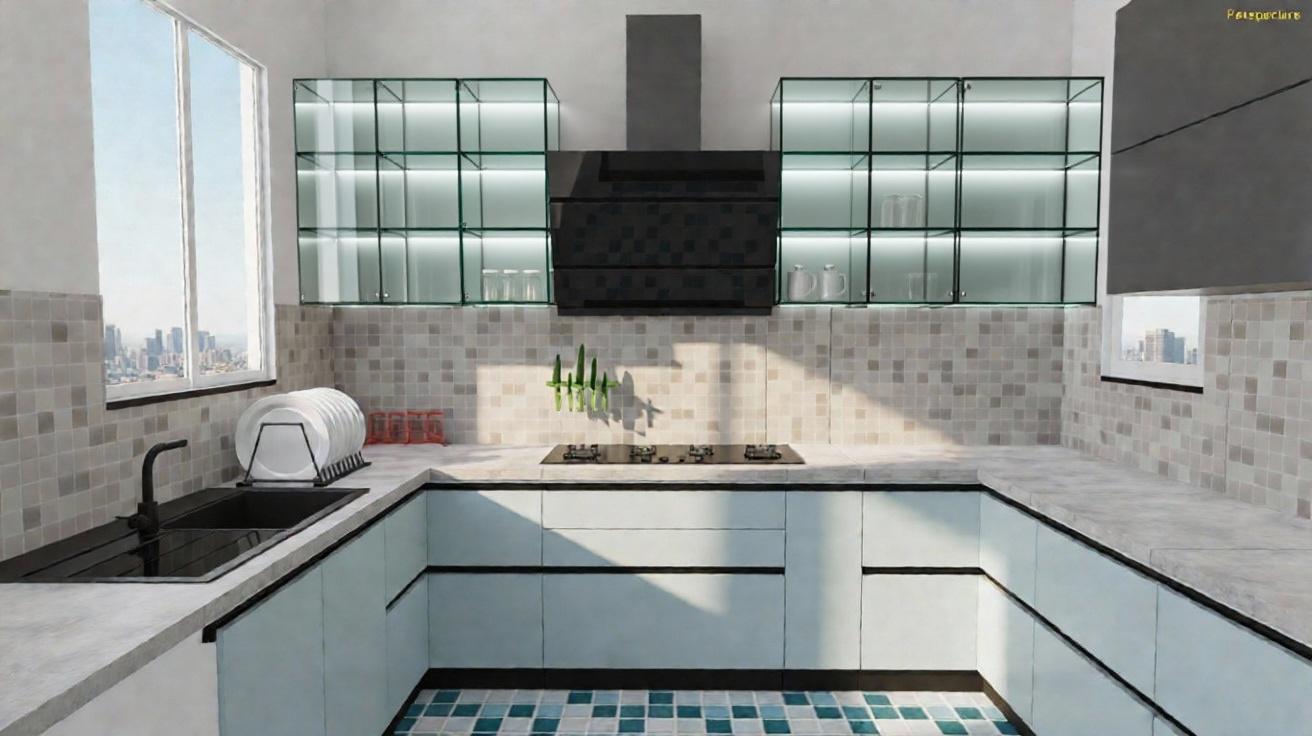
Case Study 3: Updated Design with Glass Shelf Doors
Investigation Summary
Upon review, we sought to understand why the AI generated unexpected results. After thorough analysis, we identified that the issue stemmed from inconsistent color codes used in the design:
- Window Color Hex Code: #444d4a
- Shelf Color Hex Code: #696969
To resolve the issue, we have updated the shelf color code to match that of the window. The revised output is shown below.
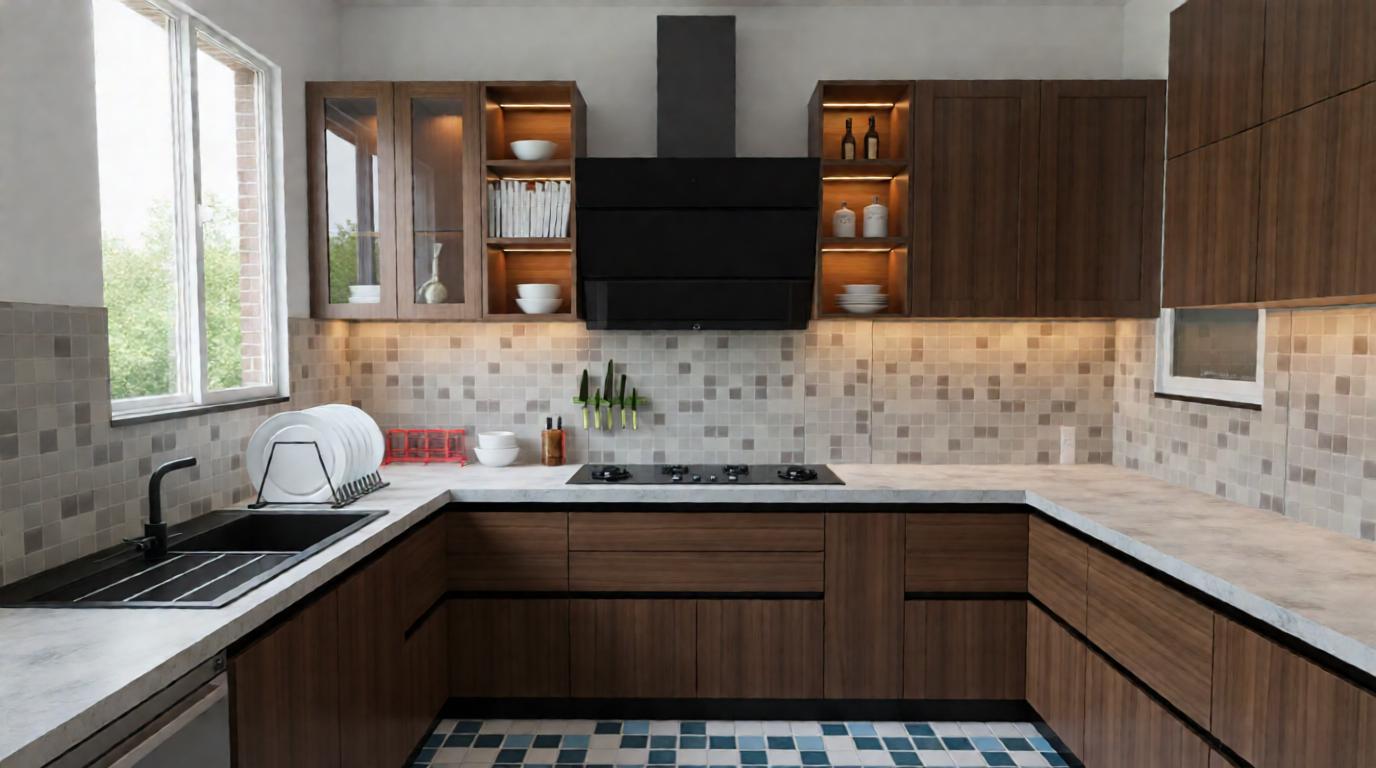
Revised Output After Color Correction